Answer
Feb 26, 2026 - 01:52 PM
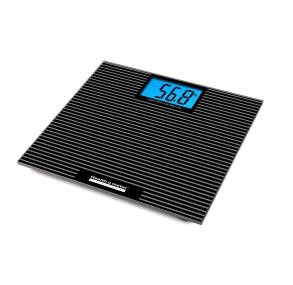
To reset or recalibrate a Health O Meter Digital Glass Floor Scale and ensure it is displaying accurate weight in pounds (LB), you should initialize the scale by tapping it and allowing it to return to zero.
Steps to Reset/Calibrate the Scale:
- Placement: Ensure the scale is on a hard, flat surface (avoid carpets or uneven surfaces).
- Tap to Wake: Firmly tap the platform with your foot to wake it up.
- Wait for Zero: Wait for the screen to display "0.0".
- Recalibrate (If needed): If the scale was moved, or if it shows "E" or an incorrect weight, you may need to repeat step 2-3 to ensure it reads "0.0" before stepping on it.
- Setting Pounds (LB): If the scale is in kilograms, check the back of the scale for a button or toggle switch to switch the unit to pounds (LB).