Answer
Feb 26, 2026 - 01:51 PM
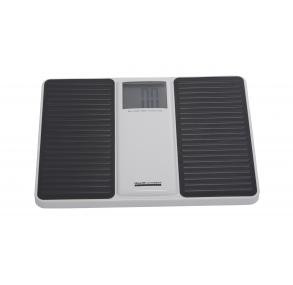
To reset or change the units on a Health O Meter 880KLS (or 880KL) scale to pounds, use a pen or stylus to toggle the switch on the bottom of the unit to "LB". Then, place the scale on a flat, hard surface, tap it to activate it, and wait for it to display "0.0"
Steps to Reset/Change Units (880KLS/880KL):
- Locate Switch: Turn the scale over and locate the unit selector switch on the bottom.
- Select Unit: Slide the switch to "LB" for pounds.
- Initialize/Reset: Place the scale on a firm, flat surface (not carpet).
- Tap to Wake: Tap the scale with your foot and wait for "0.0" to appear.